
LXtream Player is a clean, fast streaming player for Samsung Tizen and LG webOS Smart TVs, and Android devices. Sign in with the account from your own service provider and enjoy live TV with EPG, movies and series — with a remote-friendly interface built for television.
Real screens from the app — built for the remote, readable from the couch.
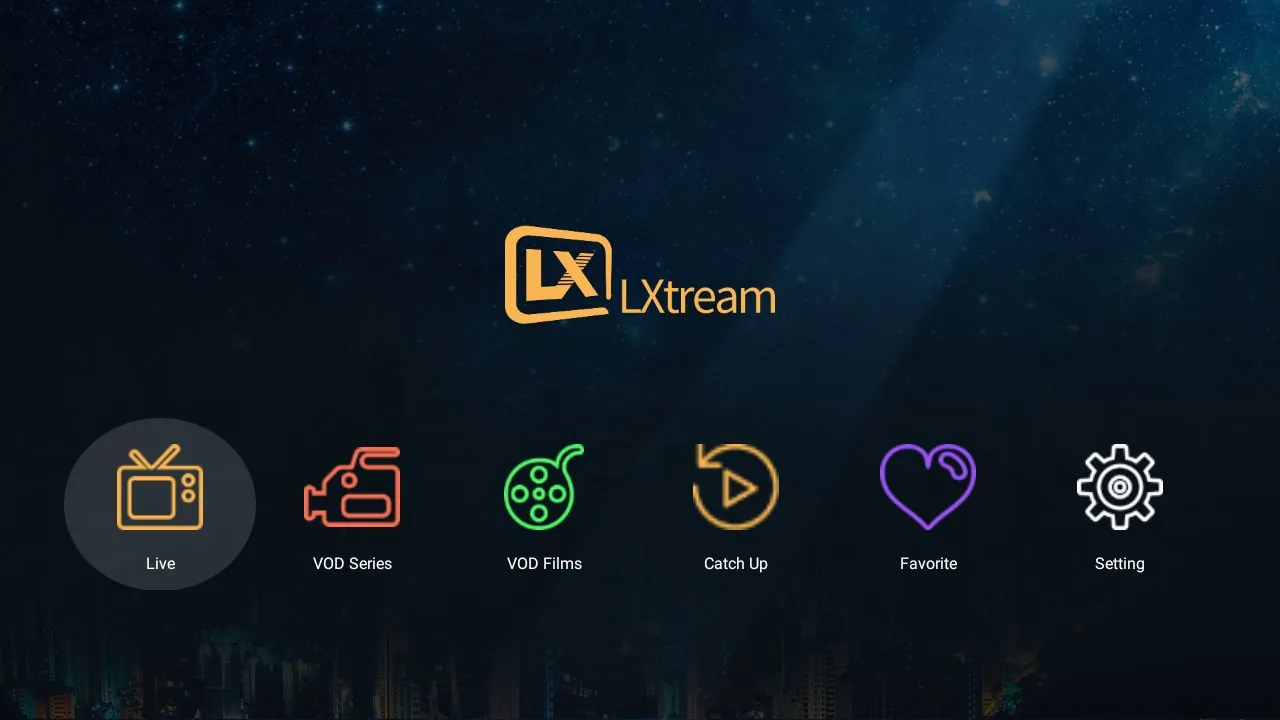
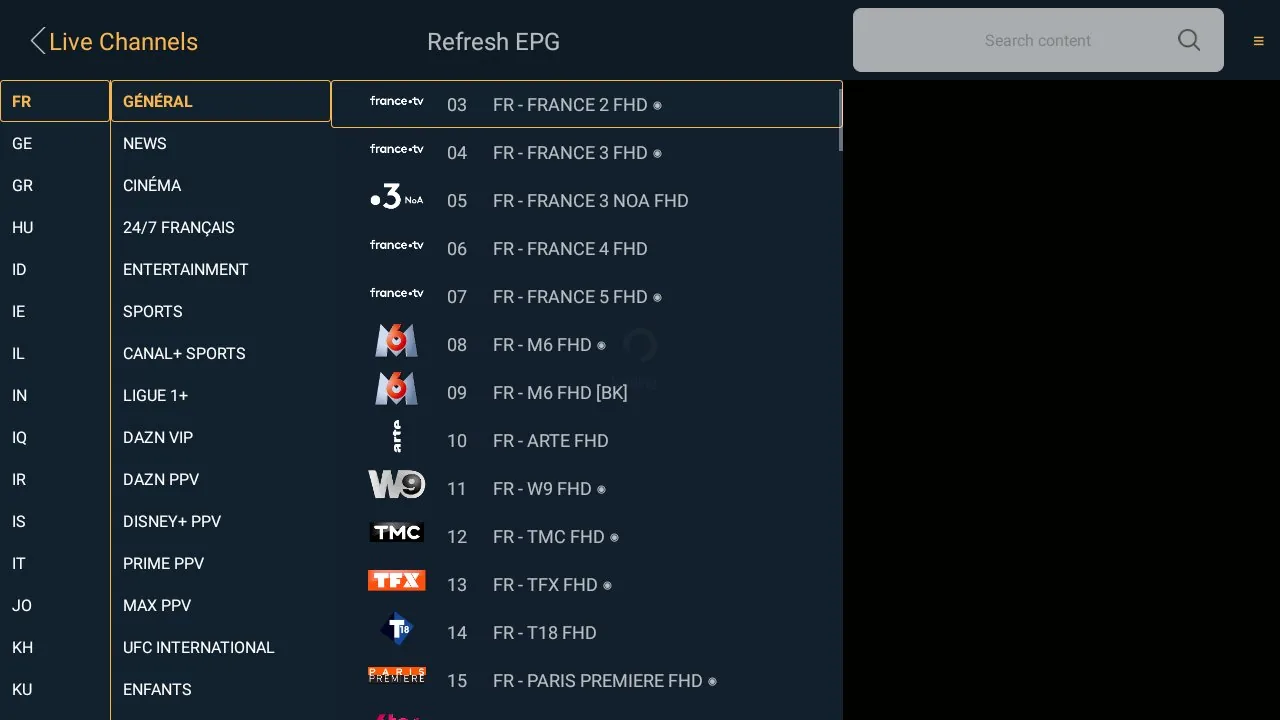

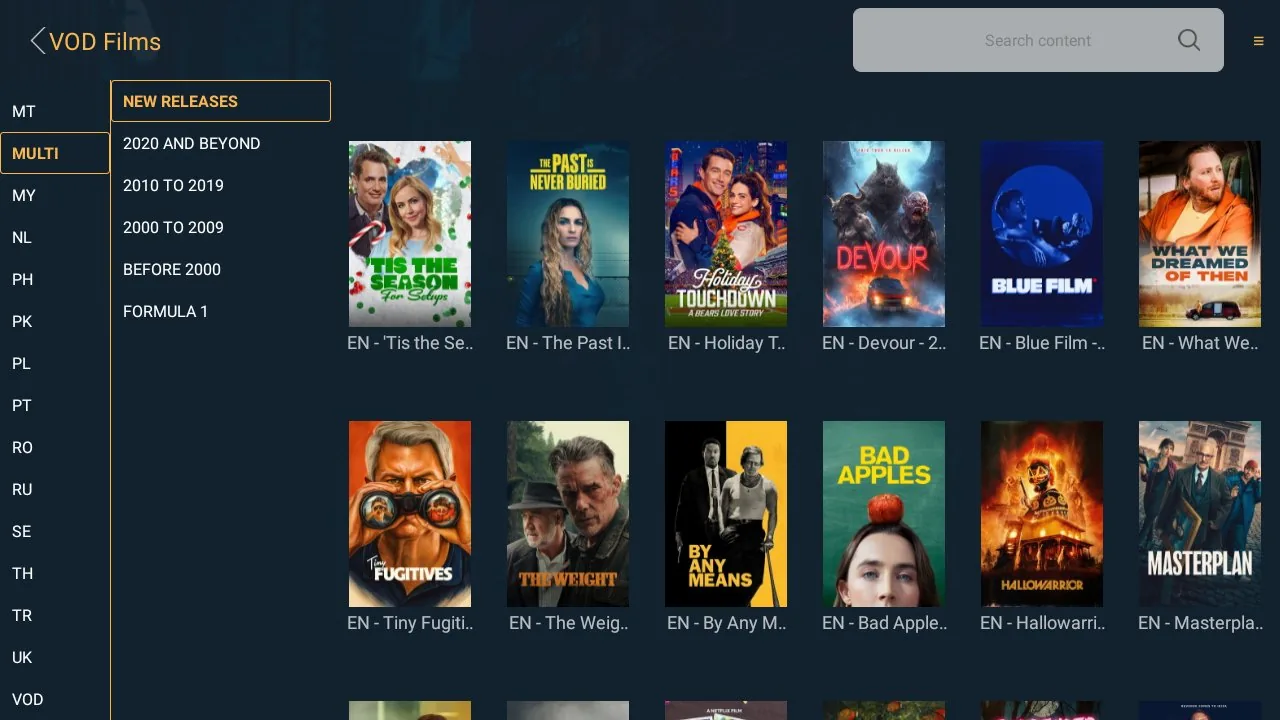
Your provider's channel list can hold hundreds of categories. LXtream Player organizes them automatically into a clean two-level panel:
Start watching on your phone, then send it to the big screen with one tap:
Browse channels by category or country, with a full electronic program guide, now/next preview and fast zapping.
Video on demand with categories, search, favorites, poster art and detail pages. Episodes play one after another.
Every screen is designed for TV remotes — arrow-key navigation, quick channel switching and an interface readable from the couch.
Categories and channels load on demand, so even large provider libraries open quickly on older TV models.
Interface available in multiple languages with full right-to-left (Arabic) support.
Smooth HD and 4K playback where your provider and network support it.
Install LXtream Player from your TV's app store (Samsung Apps on Tizen, LG Content Store on webOS), or on your Android device.
Enter the Xtream Codes credentials — server URL, username and password — provided by your own IPTV service provider.
Your channels, guide, movies and series appear instantly. Add favorites and pick up right where you left off.
Questions about setup or your subscription? Our support team replies quickly.
Contact Support